Built on .NET 8 & PostgreSQL

Scale Your Business with Enterprise Integrity.

A modular, cloud-native ERP solution designed specifically for GCC enterprises. Automate logistics, accounting, and HR with precision.

500+ Active Clients
99.9% Uptime SLA
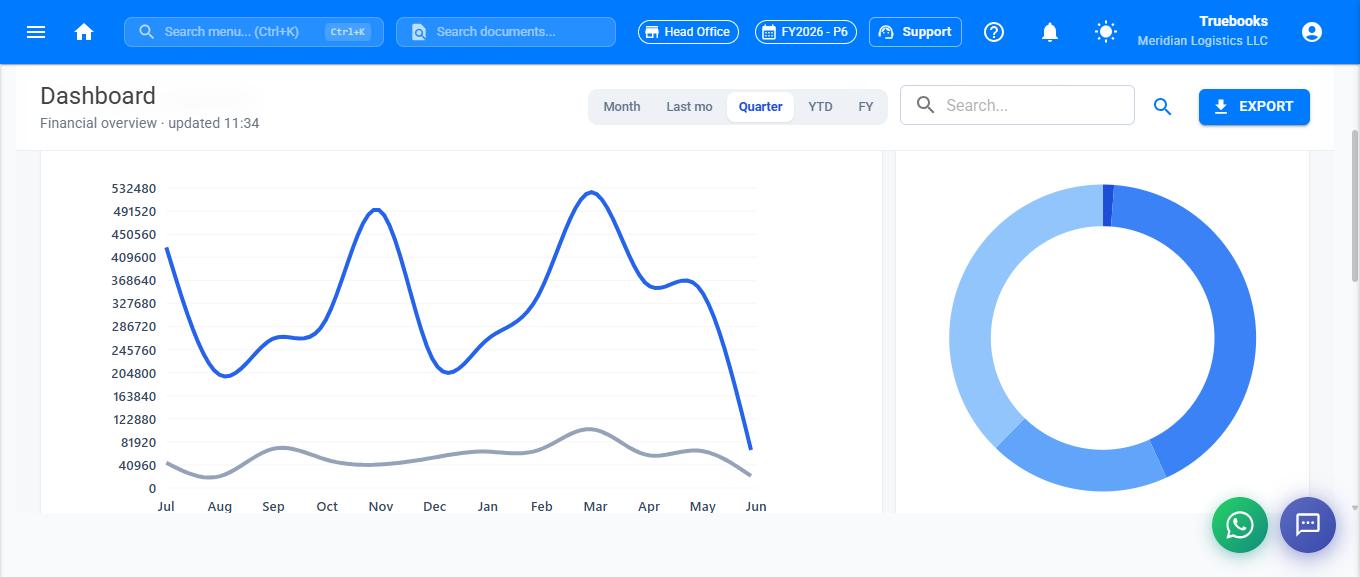
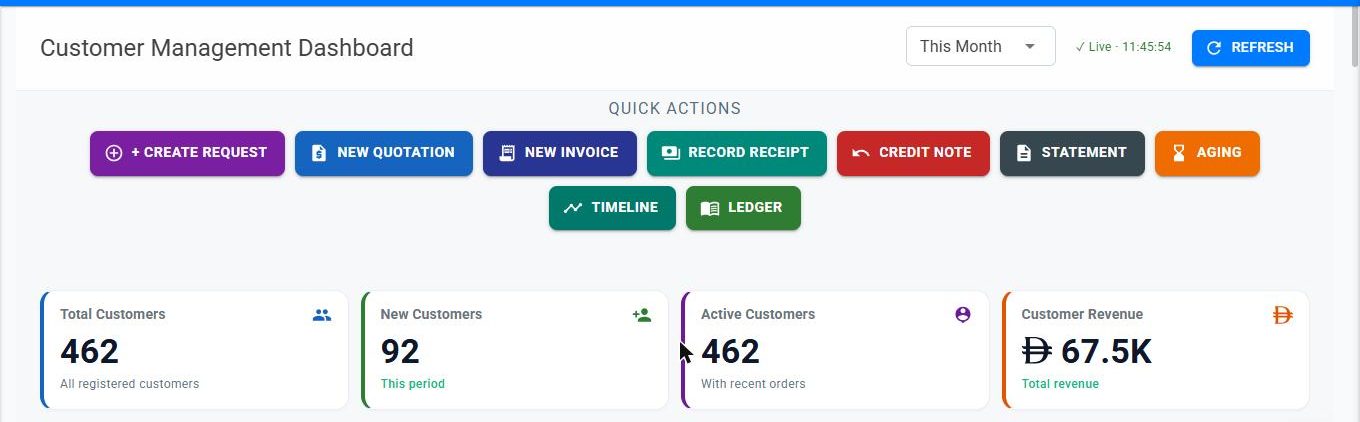
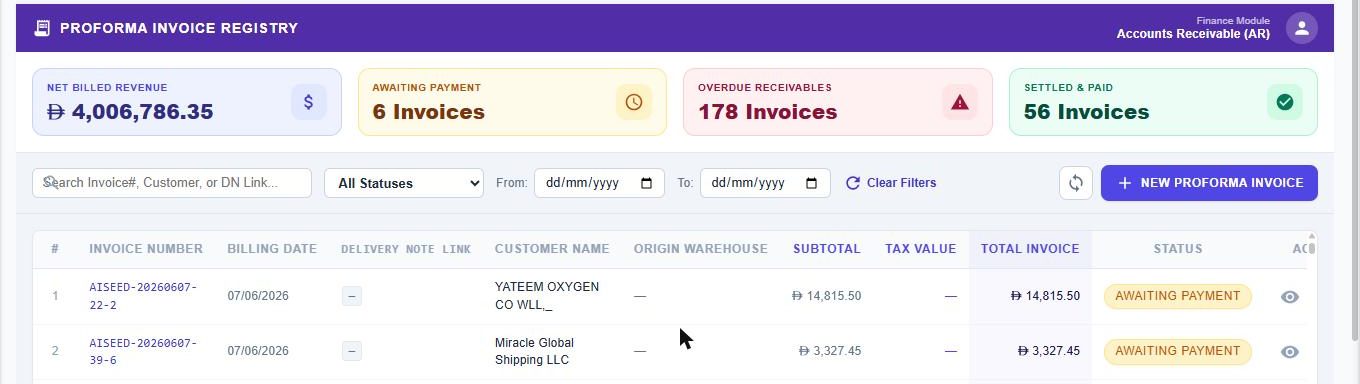
TrueBooks ERP Dashboard

Trusted by Market Leaders in GCC

LOGISTIC CO TECH TRADE GLOBAL FREIGHT ARABIA SERVICES CORE CORP

Enterprise Suite

Built to solve complex operations effortlessly

Pick the modules you need today and scale tomorrow. Our unified architecture ensures data integrity across every department.

Core Accounting

Comprehensive general ledger, multi-currency support, and automated bank reconciliation.

  • UAE Compliance (Electronic Invoicing System-EIS)
  • Saudi Compliance (ZATCA)
  • US State tax rates and Nexus management

Logistics & Freight

End-to-end management for road freight, air cargo, and relocation services.

  • AWB Tracking
  • Fleet Management
  • Zone-based Pricing

HR & Payroll

Designed for GCC compliance with automated WPS generation and EOSB calculations.

  • WPS File Generation
  • Leave Management
  • Document Tracking

Real-time Dashboards

Live KPI updates powered by SignalR for immediate business intelligence.

  • Live Telemetry
  • Custom Reports
  • Mobile Ready

Industry Ready

Tailored for your specific business logic

Freight Forwarding
General Trading
Relocation Services
Manpower Supply
Project Management
Retailers

Unlike generic accounting software, TrueBooks ERP includes deep domain expertise for logistics and trade, reducing the need for costly custom development.

View all industry features
logistics_module_v8.4
Freight tracking visualization...

Regulatory compliance isn't an option. It's built-in.

Operating in the GCC requires specific payroll and tax handling. TrueBooks automatically calculates Gratuity (EOSB), handles VAT returns, and generates WPS-compliant SIF files for your bank.

VAT-Ready Tax Invoicing
WPS Bank SIF Generation
MOHRE Compliance
FTA Approved Formats

GCC Multi-Region

Audit Trails

VAT Automated

WPS Integrated

Try It Free

How to Create a Demo Account for Evaluation

Follow these simple steps to set up your own demo tenant and explore the full capabilities of Truebooks ERP.

1

Register a New Tenant

Click "New tenant? Register" on the login page and fill in the registration form:

Company Name The legal name of the company (e.g., "Malusoft India LLP")
Tenant Login Type a short name, easy to remember, in lowercase without spaces (e.g., "malusoft")
Country Select the primary country from where you want to operate this system
Email Type a valid email address. This will be your admin login ID. A verification link will be sent to this email
Password The system creates a default password "Demo@123". You can change it to your desired password. Please note the password before proceeding

a Click CREATE TENANT

b Open your email and click the VERIFY EMAIL ADDRESS button

c Your email will be verified and you will be prompted to proceed

2

First-Time Login Setup

Once you are logged in to the system for the first time:

  1. 1Click on the User Profile icon (top right) to view a drop-down menu
  2. 2Click on Company Profile and update the company details, then click Save
  3. 3Click on Branch inside the company page and update the branch details, then click Save
  4. 4Click on Manage Modules and enable the required modules
  5. 5Refresh the page or Logout and Login again
3

Getting Started with the System

  1. 1Click on the "Getting Started" menu in the navigation
  2. 2Proceed according to the system guidelines — click on each tab and update the required information
  3. 3You can create your own data or click on SEED buttons and the system will auto-create sample data to help you understand the system
  4. 4To understand the system and get help, click on "Knowledge Base"
  5. 5You can also use the AI Chat facility at the bottom-right corner of the dashboard to get help on each menu and feature
Create Demo

No credit card required. Start exploring in minutes.

Ready to centralize your business?

Join 500+ businesses who have streamlined their operations with TrueBooks ERP. Book your personalized walkthrough today.

No credit card required for trial • Cloud & On-Premise versions available